wxs.us
Every way to get wxs: phone, tablet, desktop, browser, voice, and terminal.
The same free weather service on every surface: forecasts, alerts, severe weather outlooks, air quality, and live radar. No ads, no accounts, no tracking, anywhere.
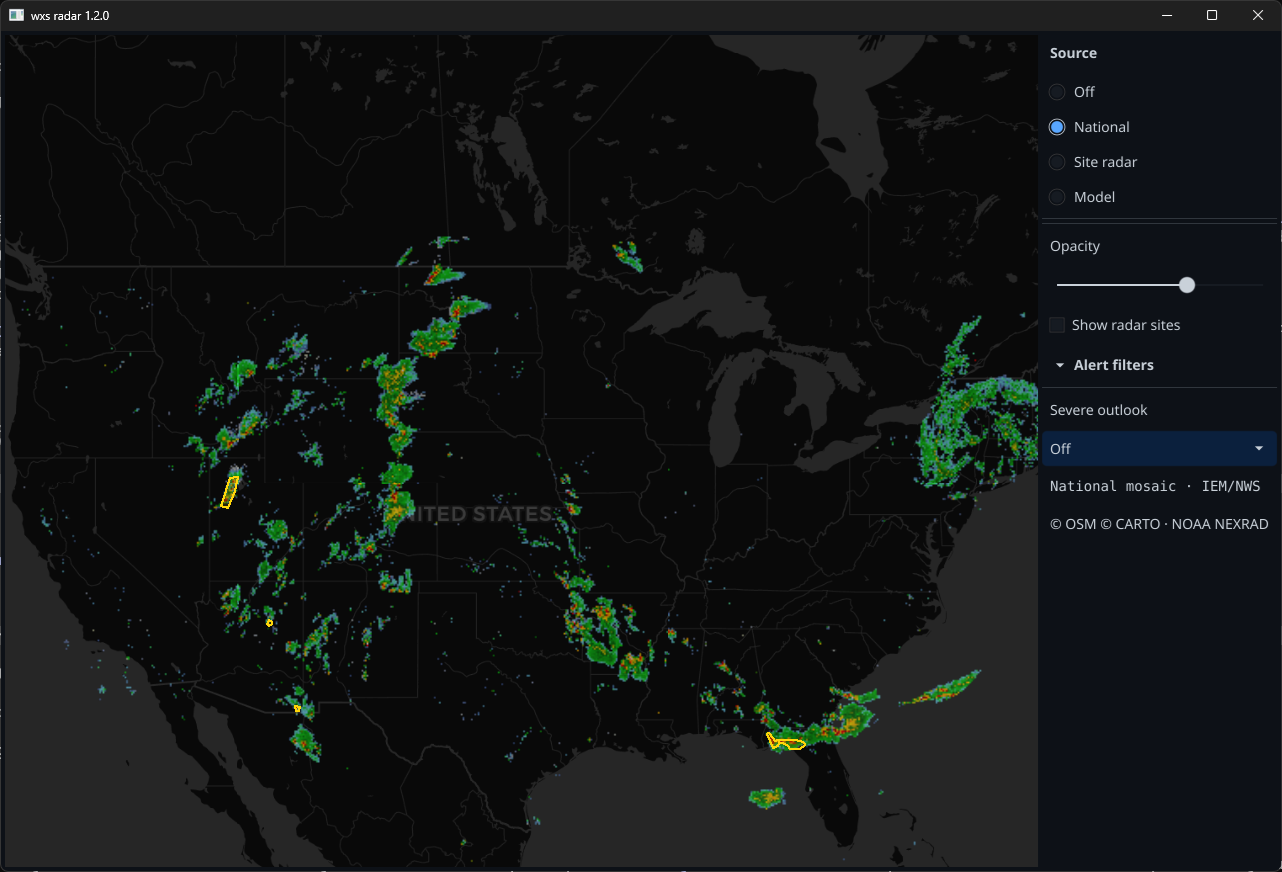
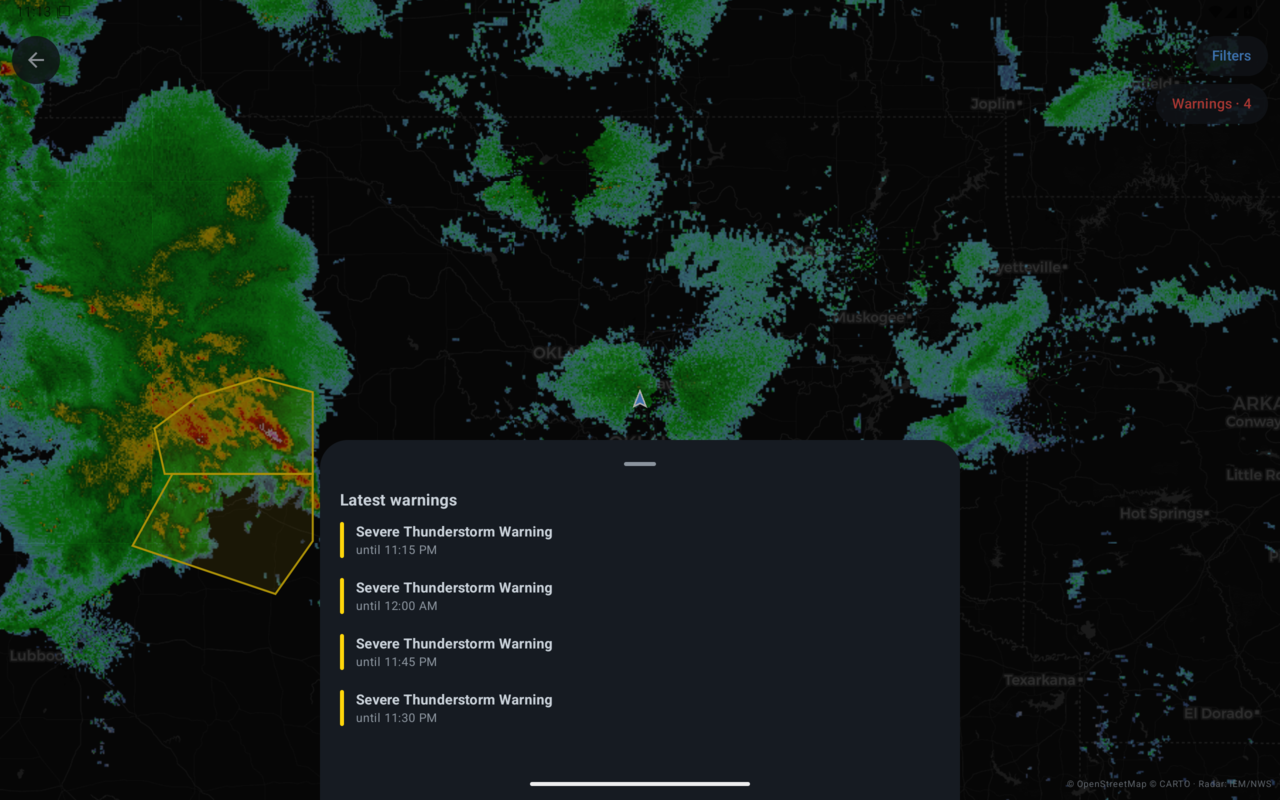
wxs radar for the desktop open beta
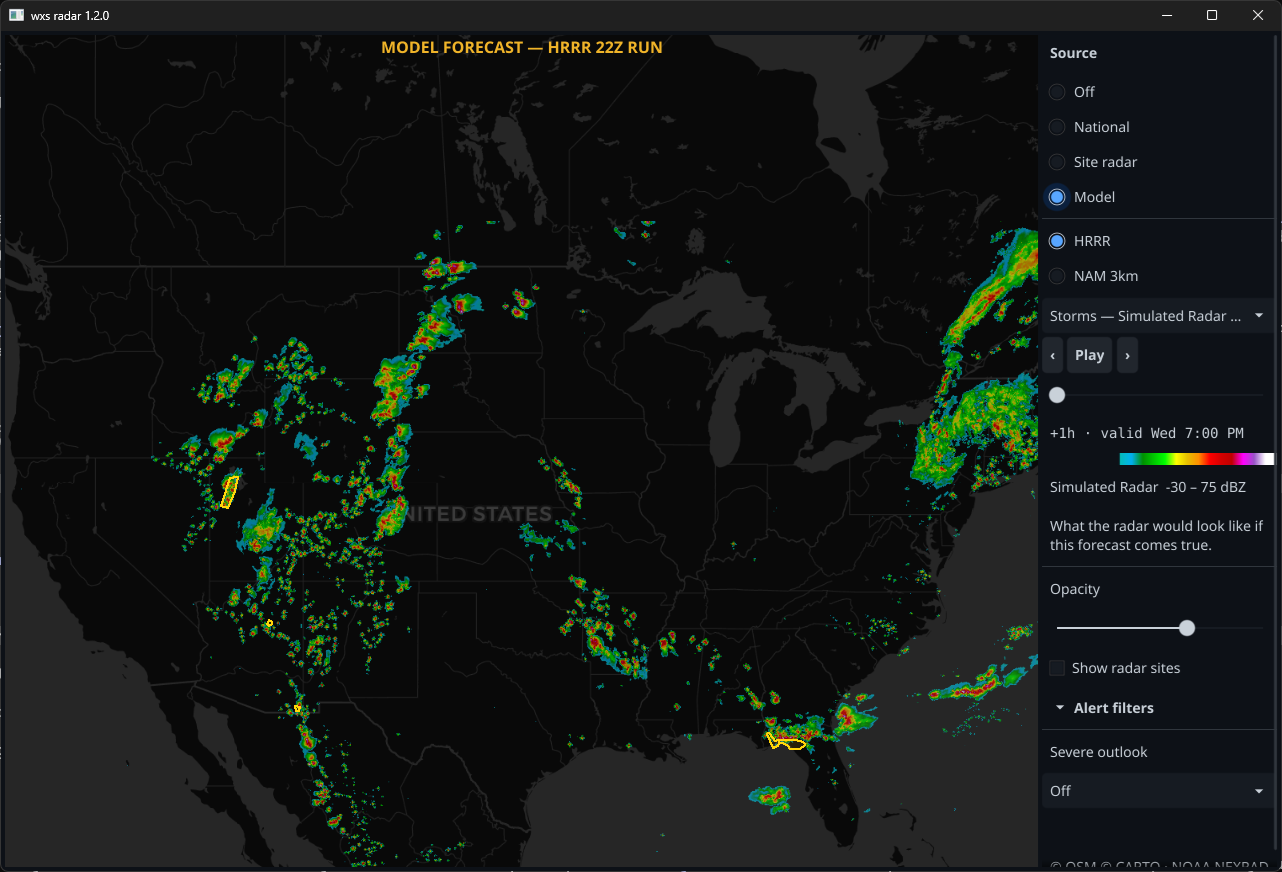
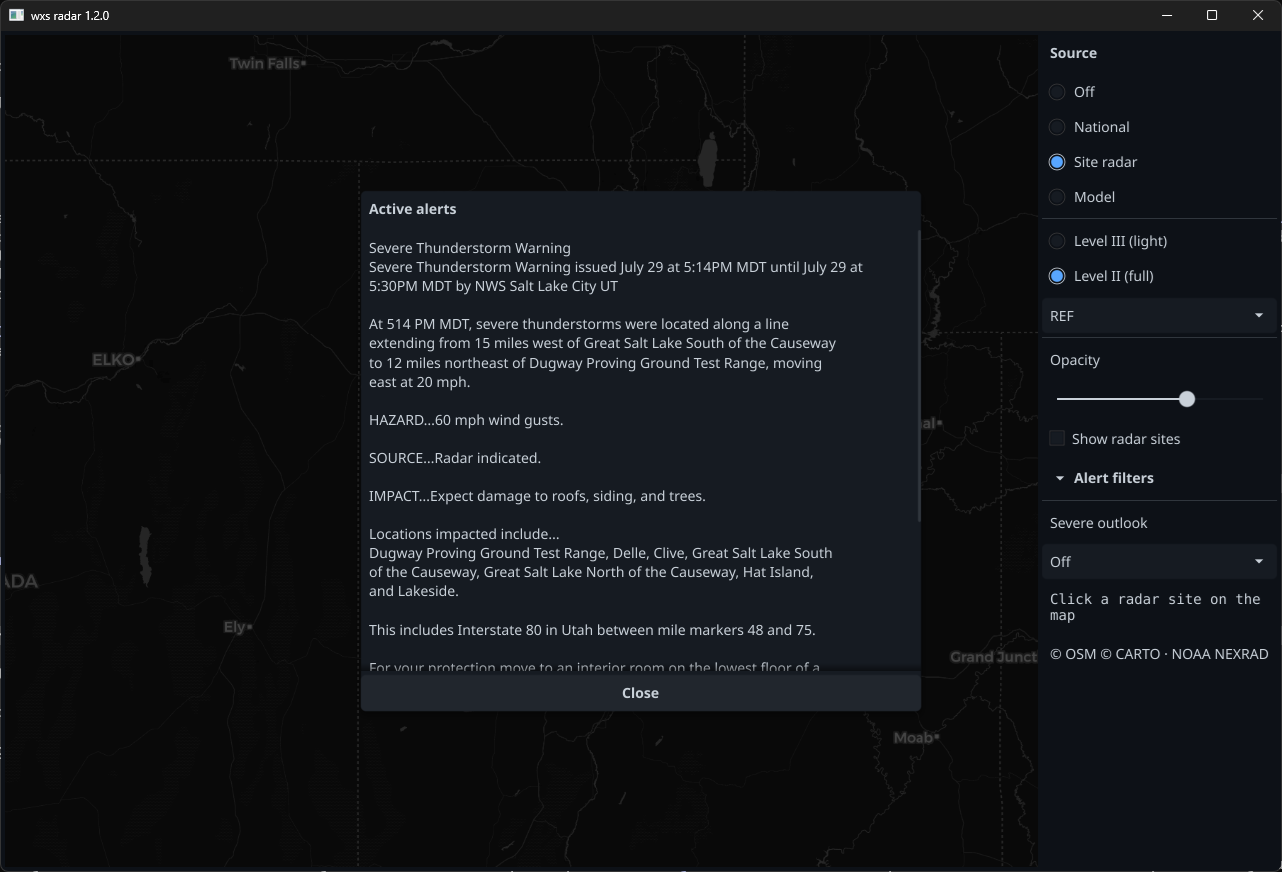
A native desktop radar app: pick any of the 159 NEXRAD sites straight off the map and watch full-resolution Level II data, or the lighter Level III products, decoded on your own machine directly from NOAA. The national mosaic, NOAA's HRRR and NAM forecast models with every field, and live warnings and watches are all there too.
One file, no installer, no accounts, no ads, no tracking. Free, like the rest of wxs.us.
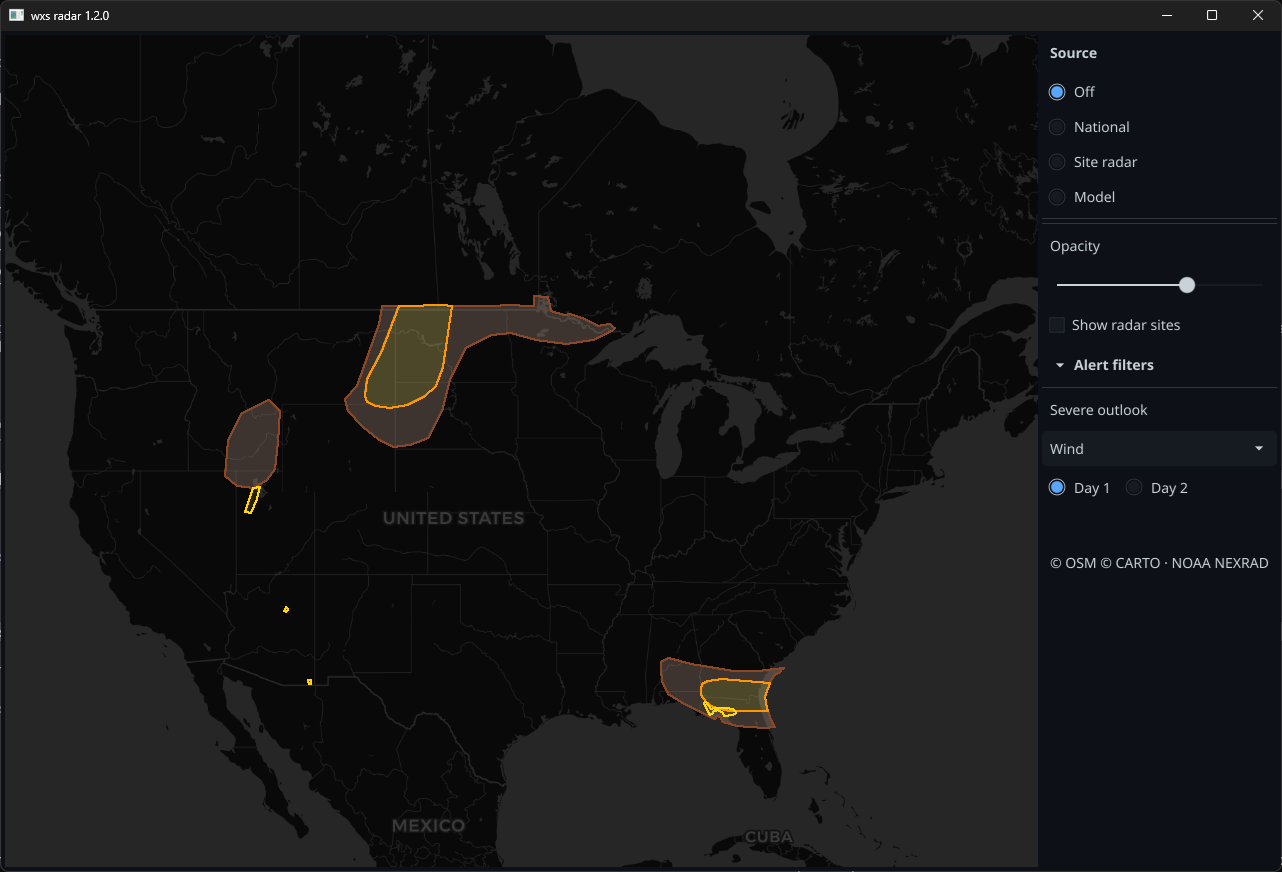
This is an open beta: it is genuinely usable day to day, and some things the radar map here already does (looping through past scans, severe weather outlooks, range rings) have not landed yet. Anyone is welcome to run it, and rough edges are expected.
Loading the latest release…
Screenshots
The wxs.us app for phones and tablets
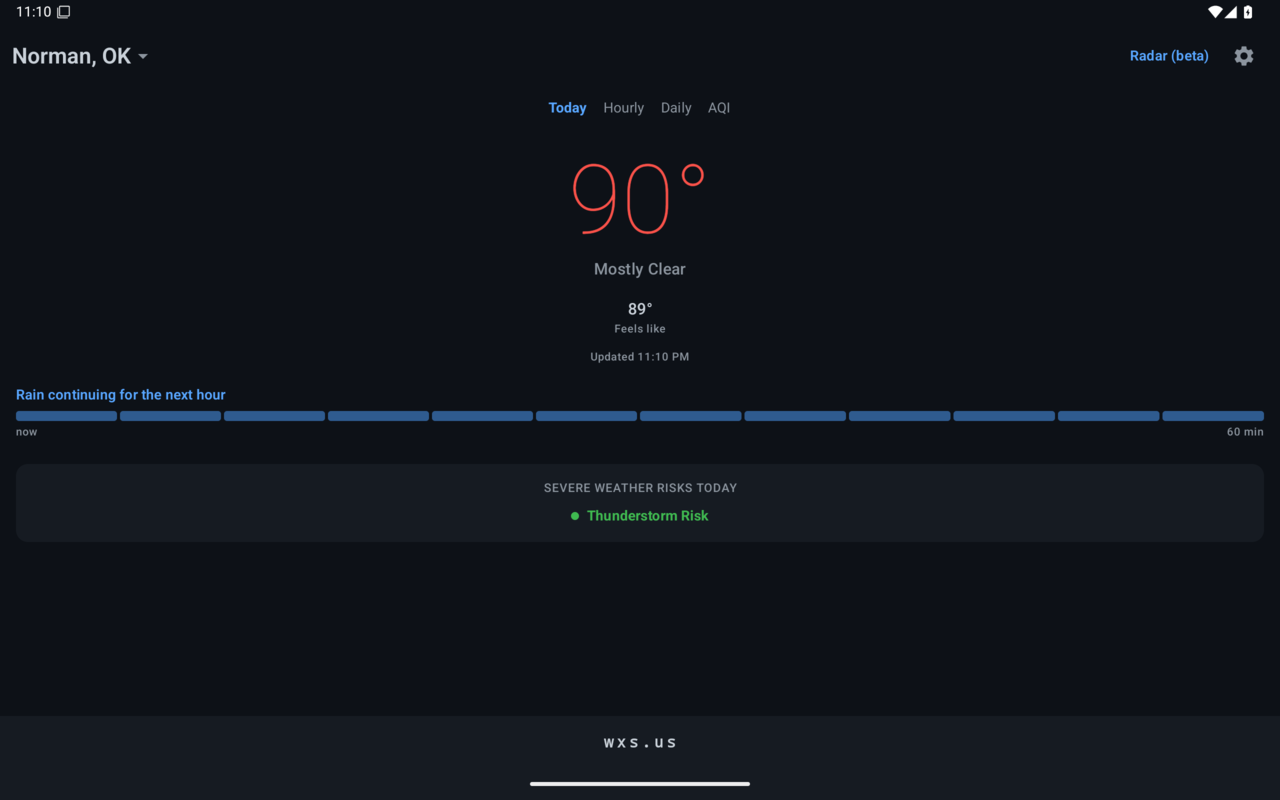
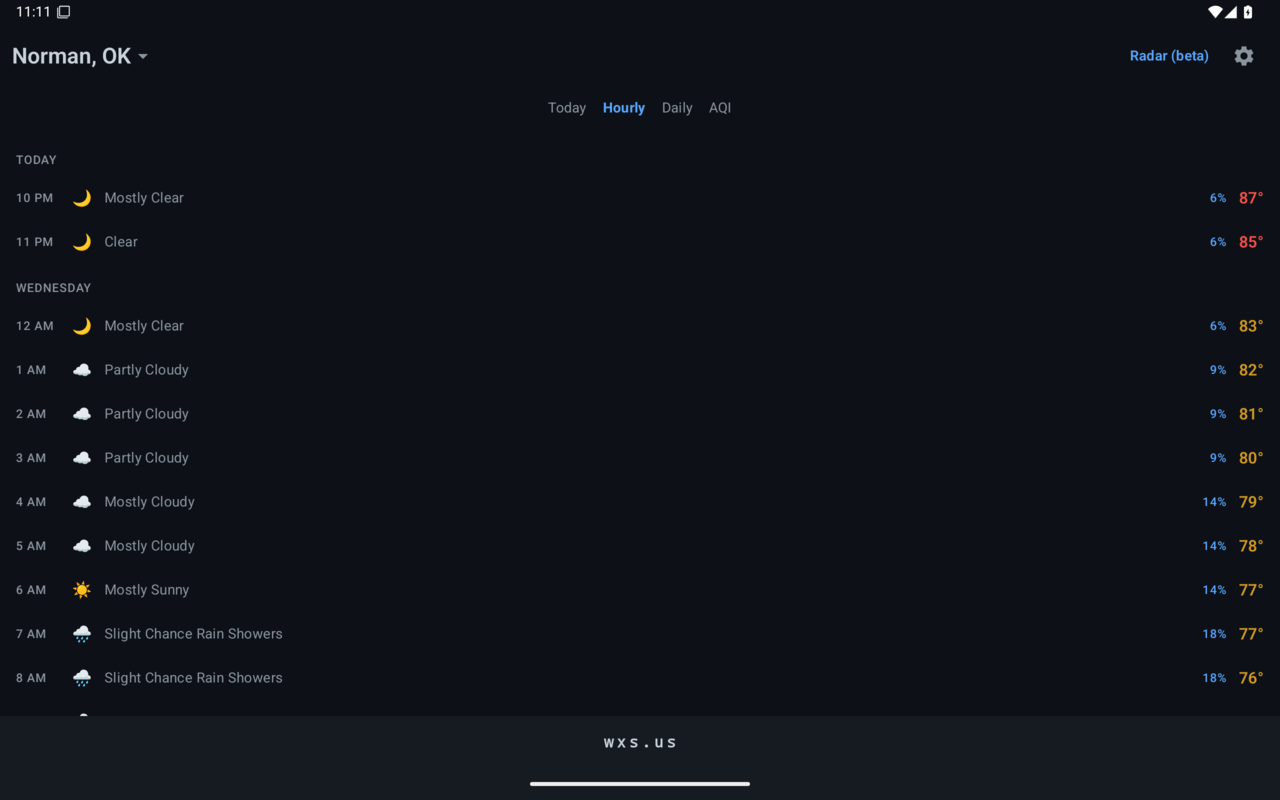
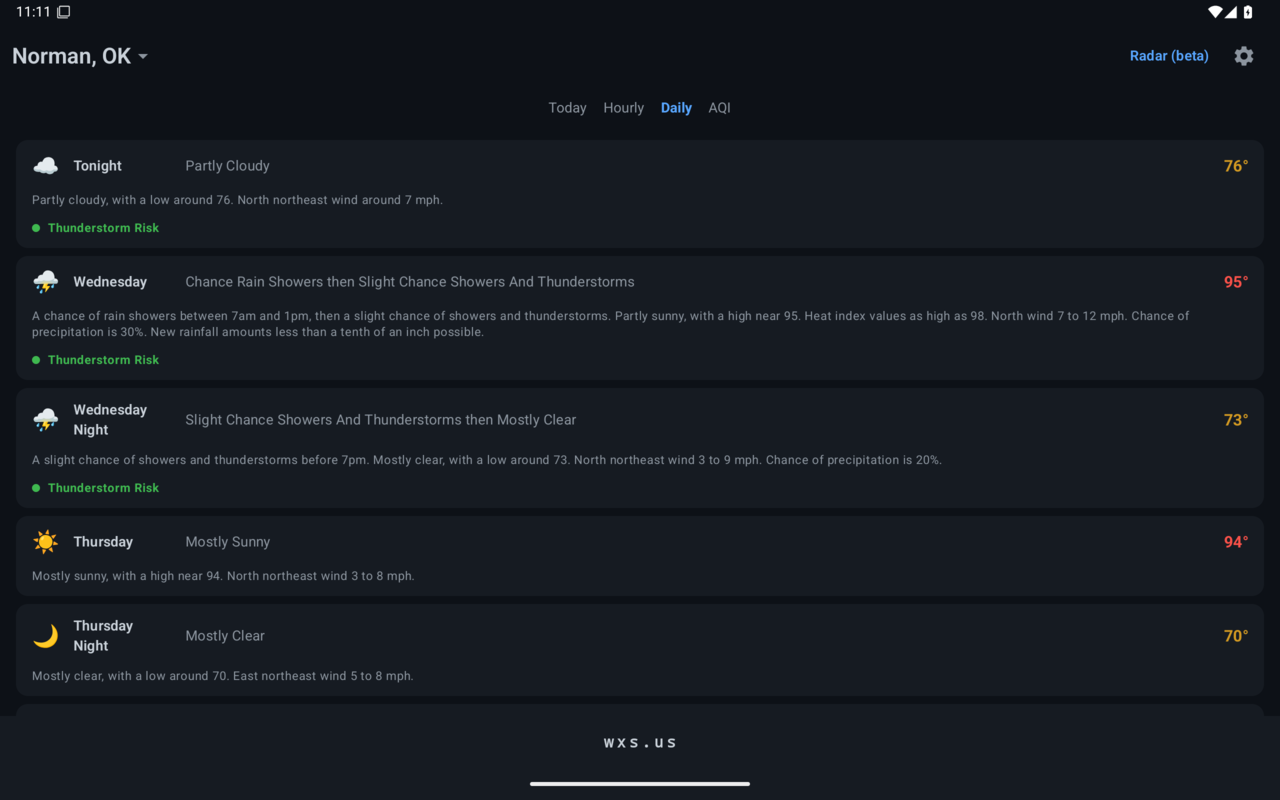
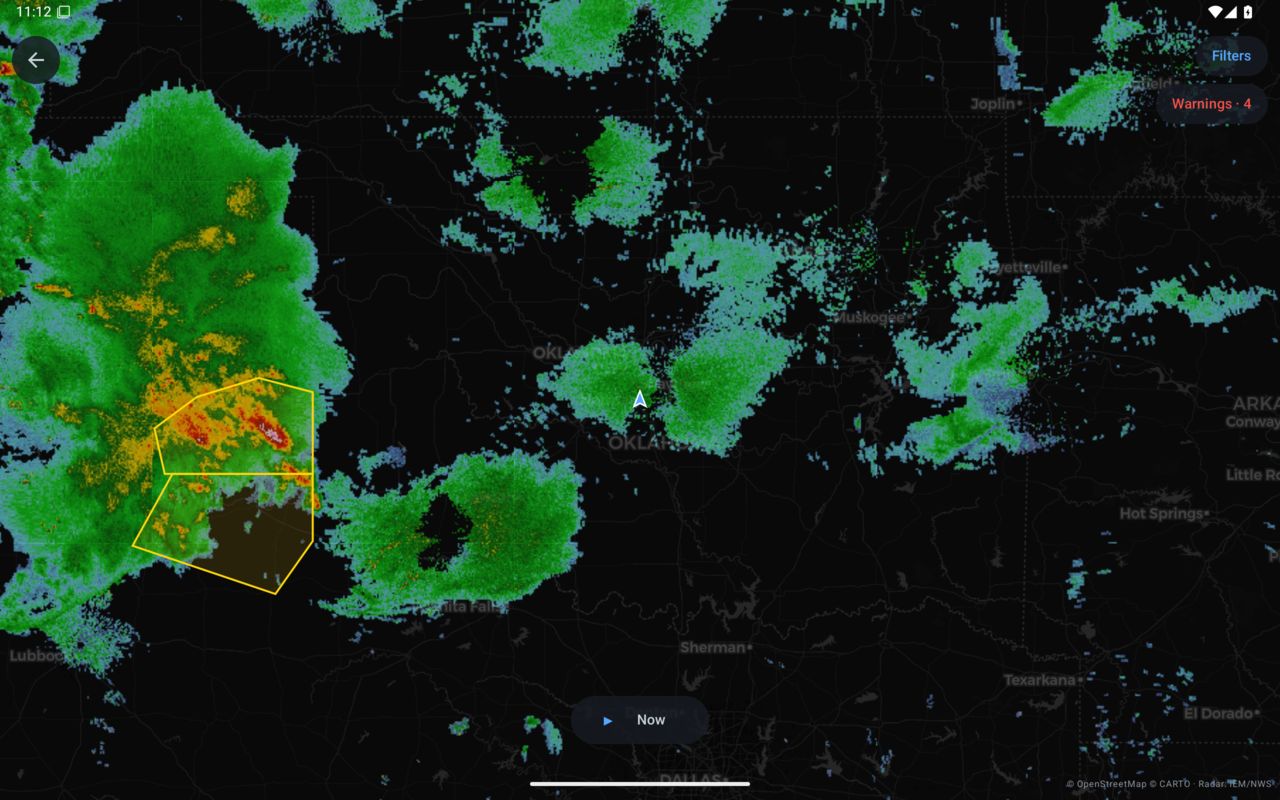
A free weather app in the spirit of the old Dark Sky: open it and you instantly see what's happening right now, right here, and what's about to happen. Big current temperature, "Rain starting in ~15 min" when something is on the way, hour-by-hour and day-by-day forecasts, severe weather outlooks, air quality, and a live radar map with warnings and watches drawn on it.
No ads. No accounts. No tracking. Your location never leaves your device except to ask for your weather. Free, like the rest of wxs.us.
Google Play

Android phones and tablets, installs and updates through Google Play.
Amazon Appstore
Get it on the Amazon AppstoreFire tablets. Its own build for Fire OS, since Fire tablets have no Google services; the same app otherwise.
Google Play and the Google Play logo are trademarks of Google LLC.
See It in Action
Screenshots
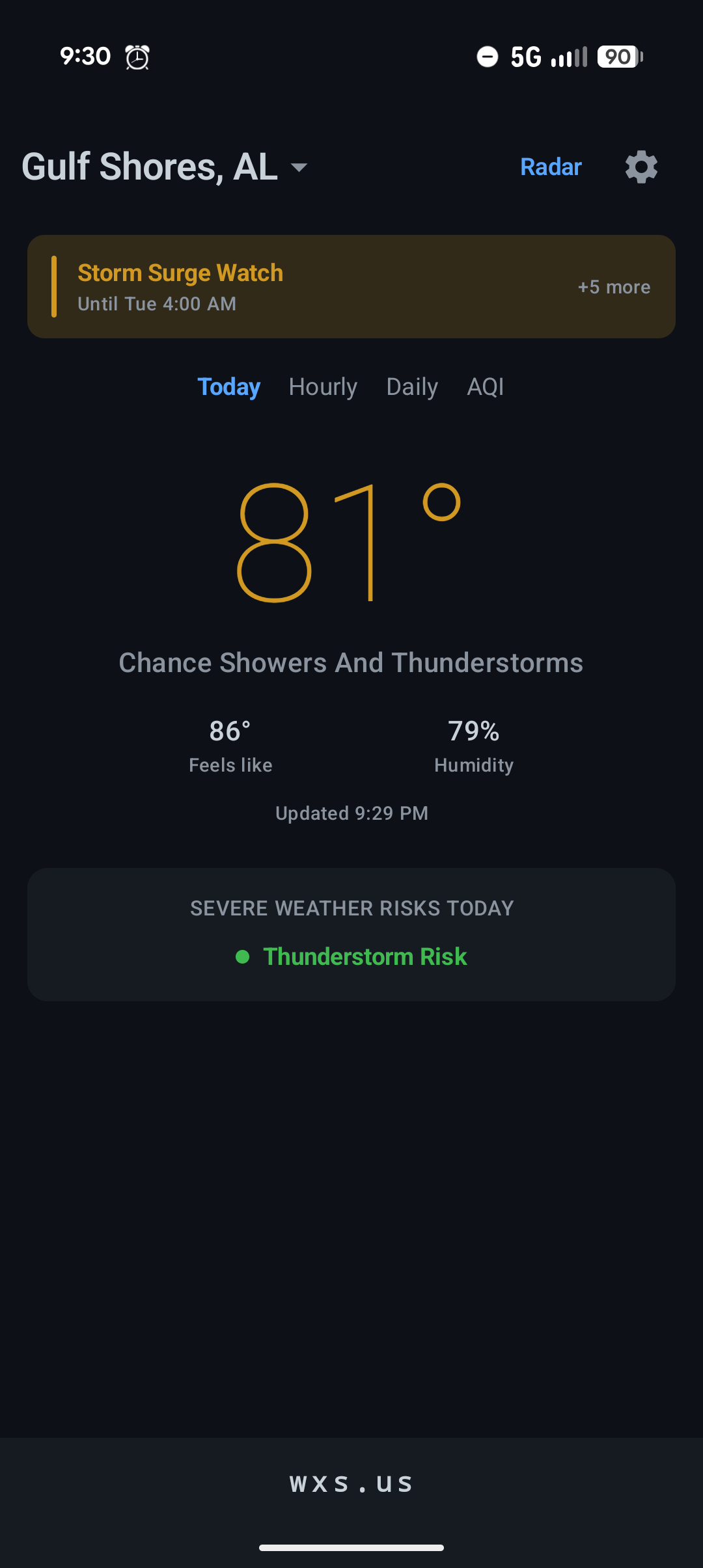
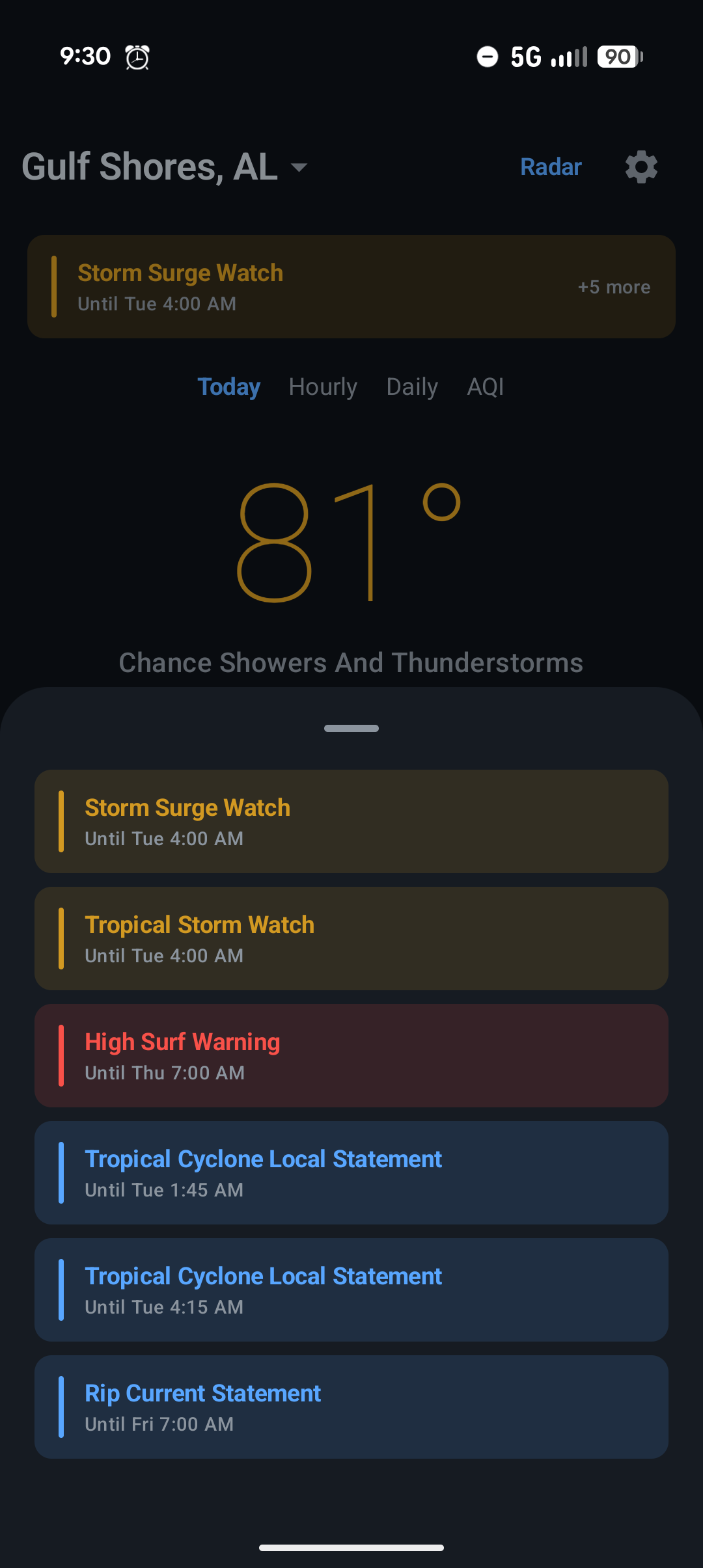
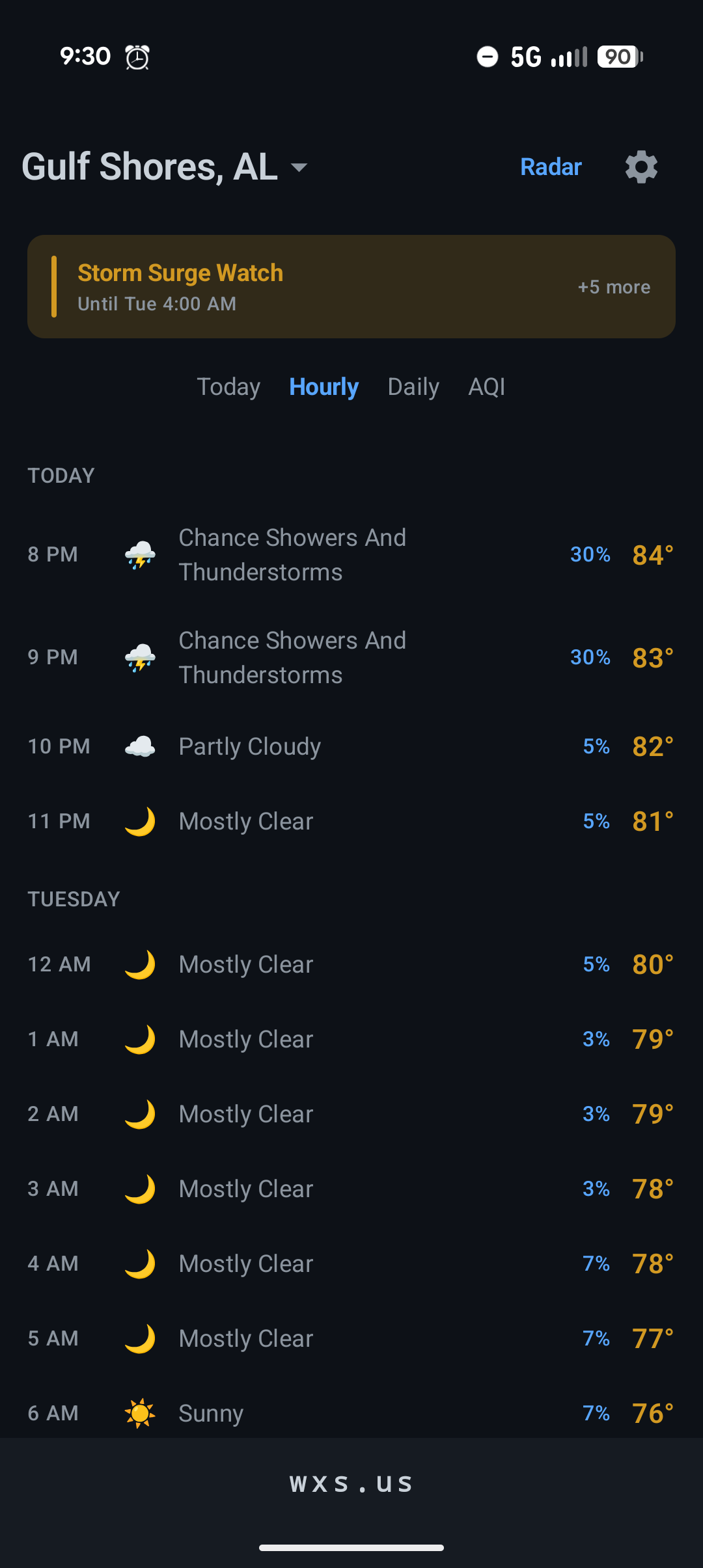
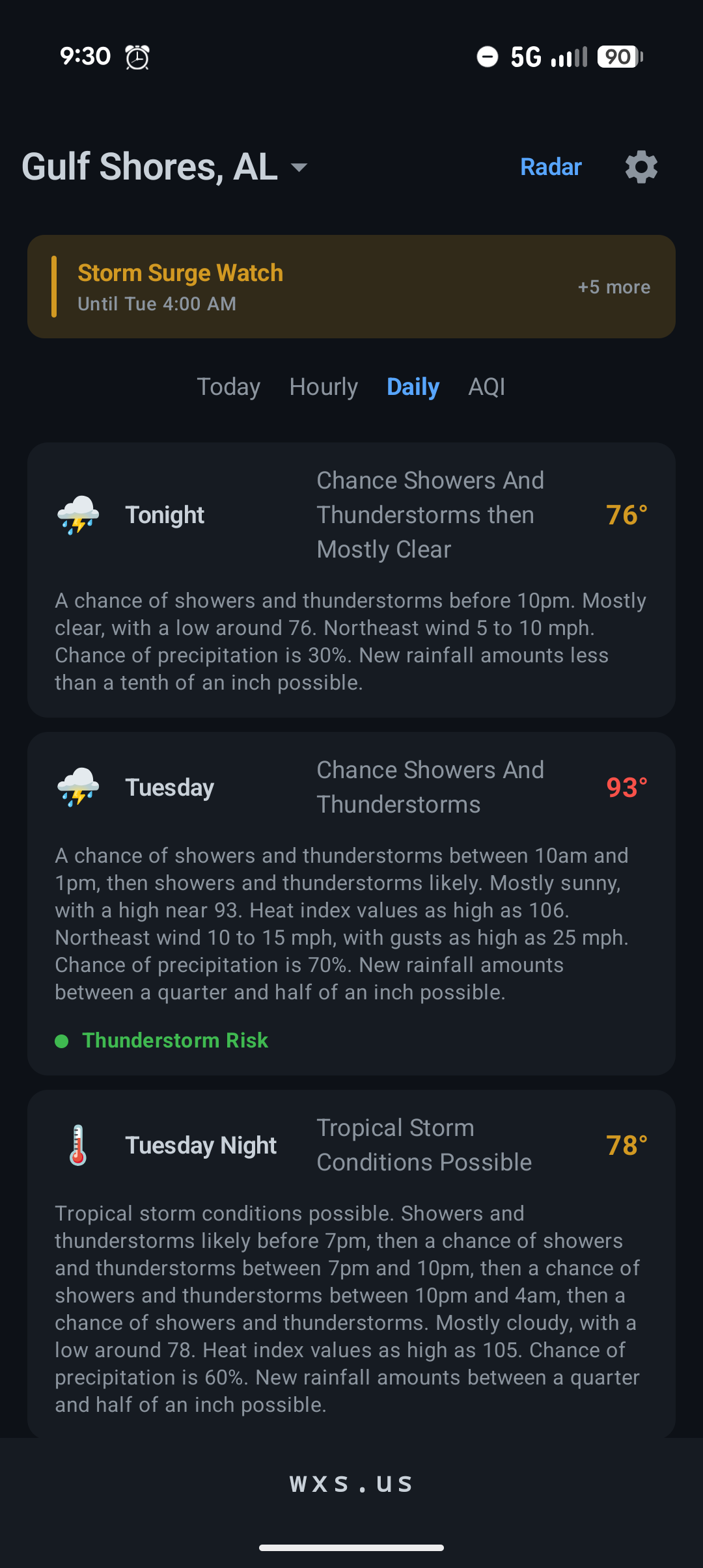
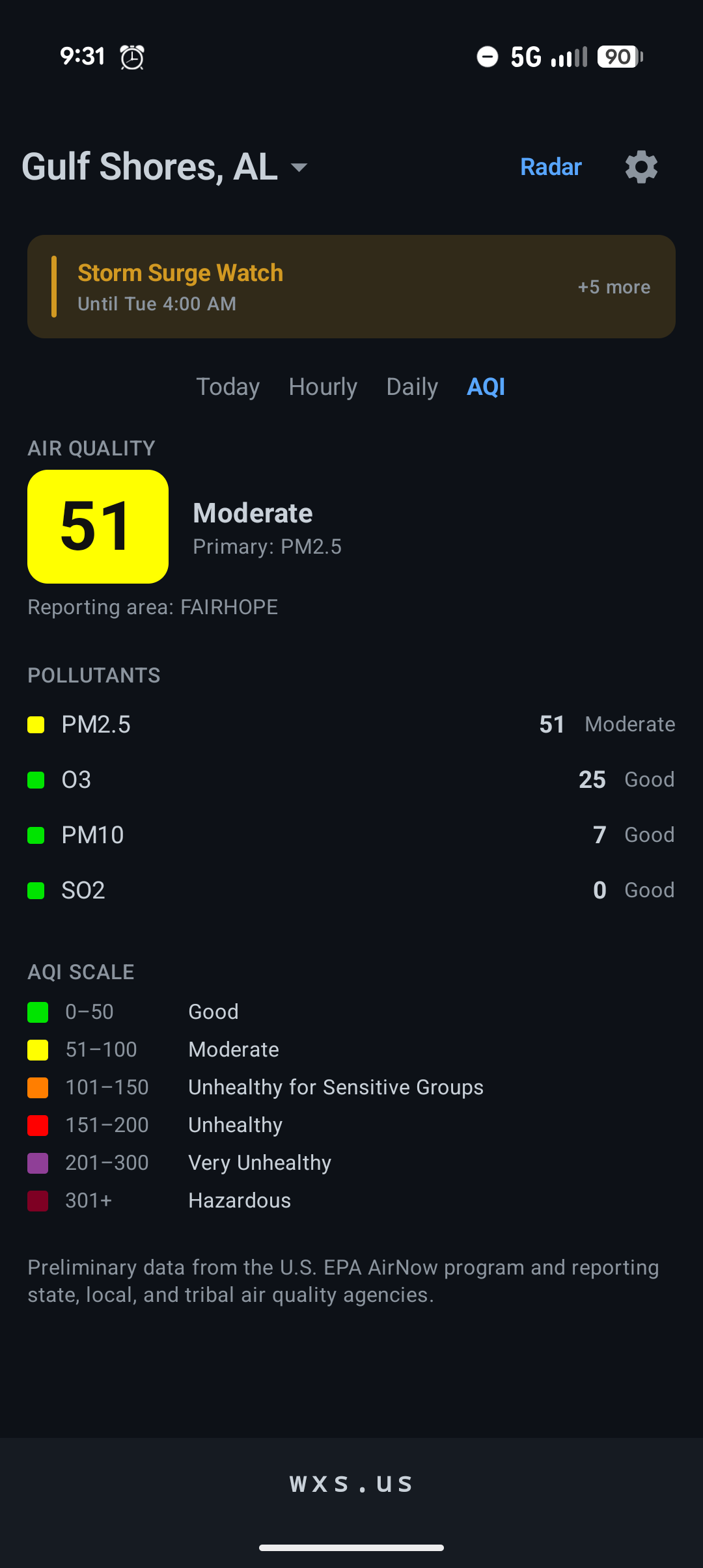
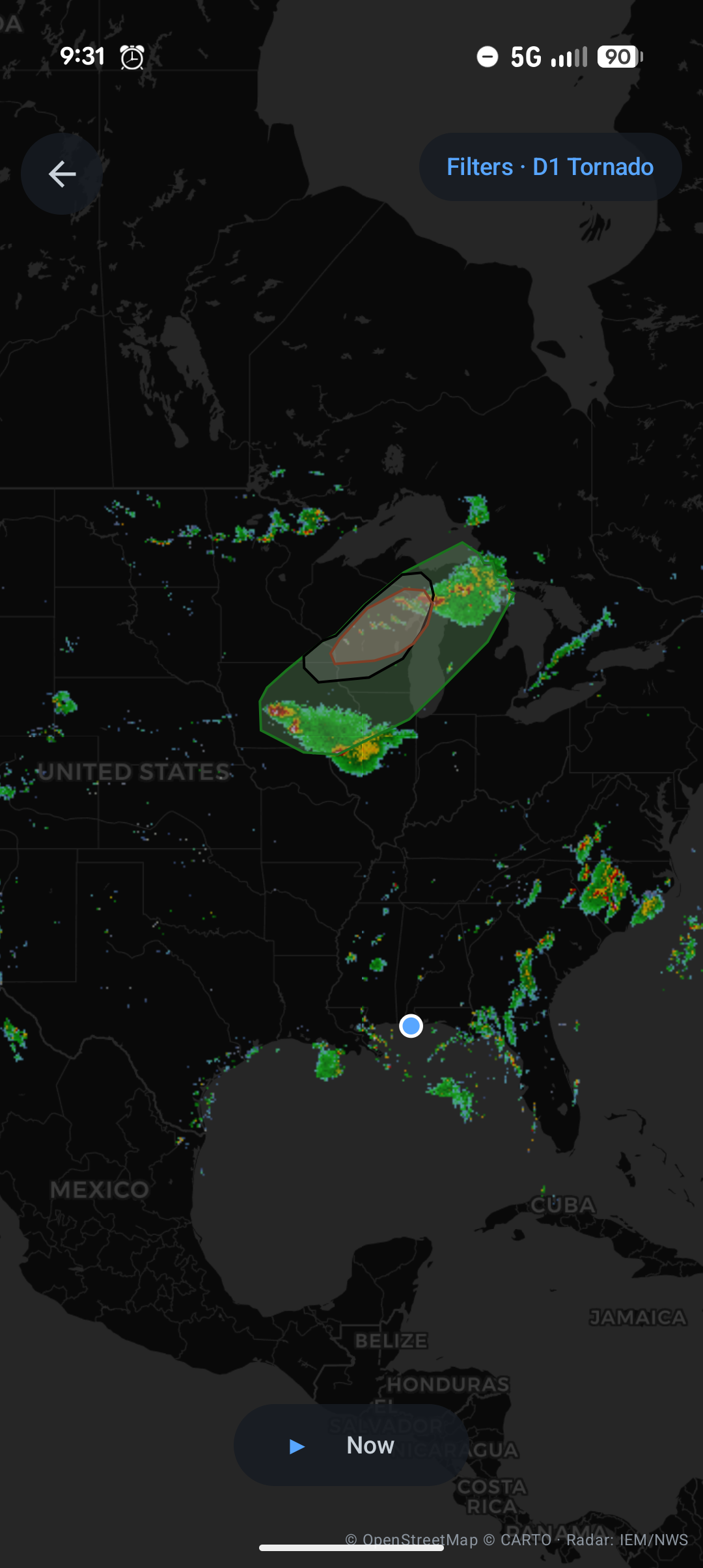
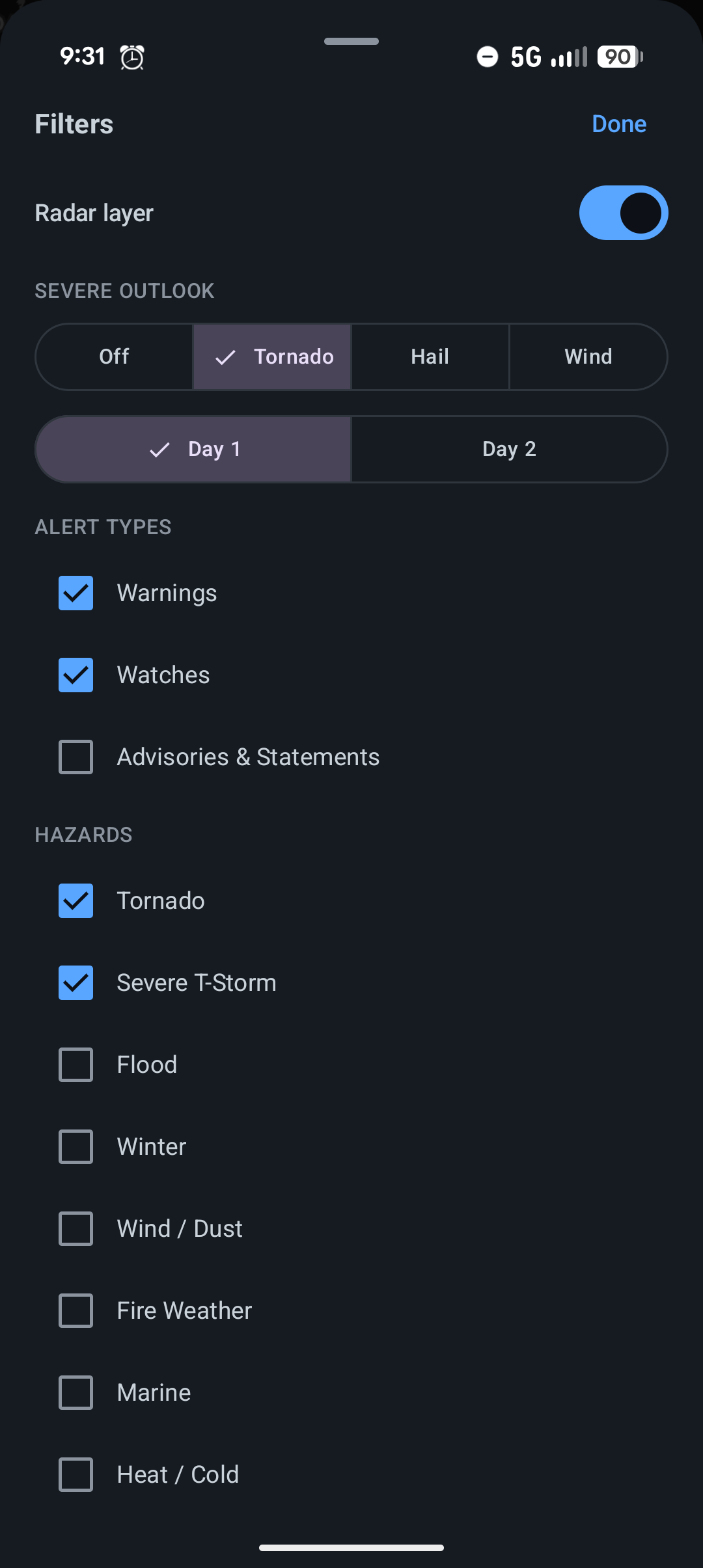
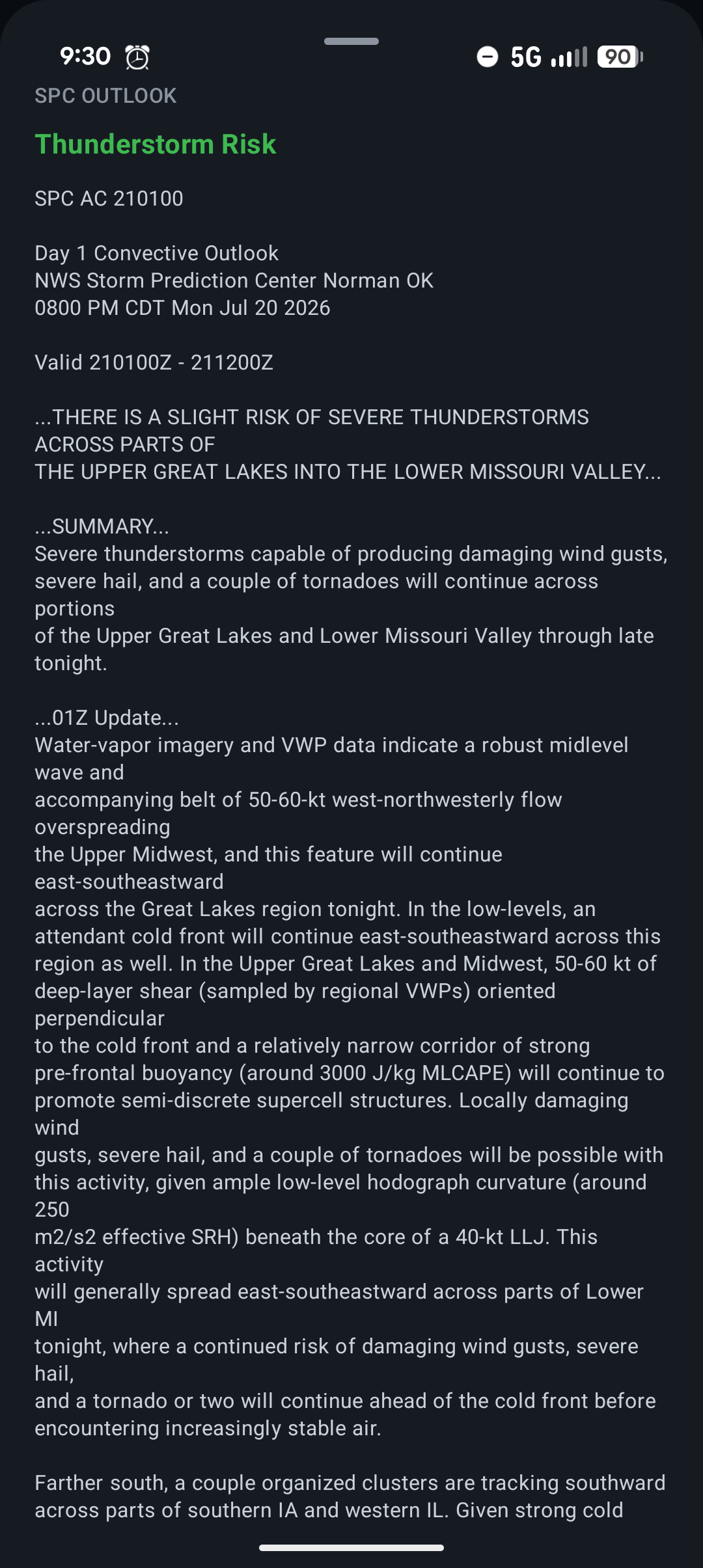
Screenshots
Terminal
$ curl t.wxs.us/48201   # weather by zip, nothing to install
$ ssh t.wxs.us          # the interactive dashboard
Works in any terminal on any system. The full list of commands, options, and what you get back is on the Terminal tab.
wxs in your browser
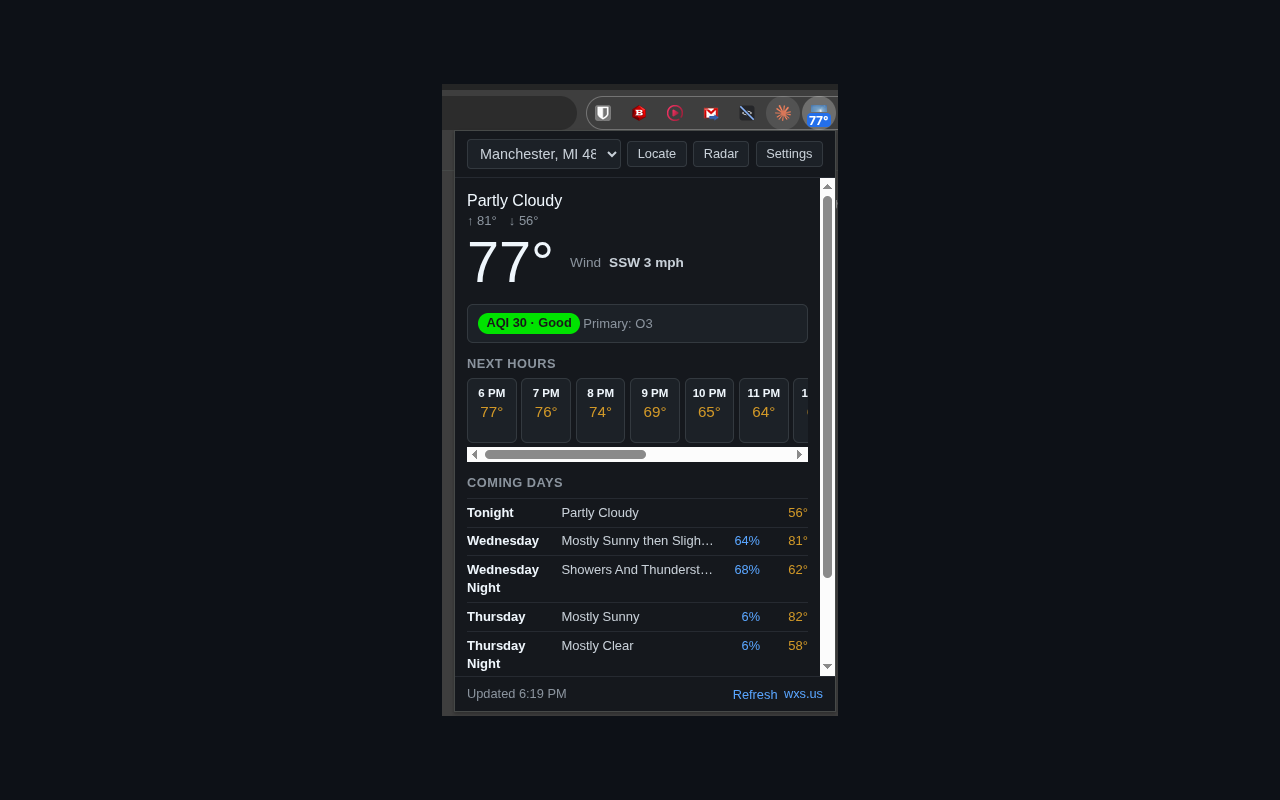
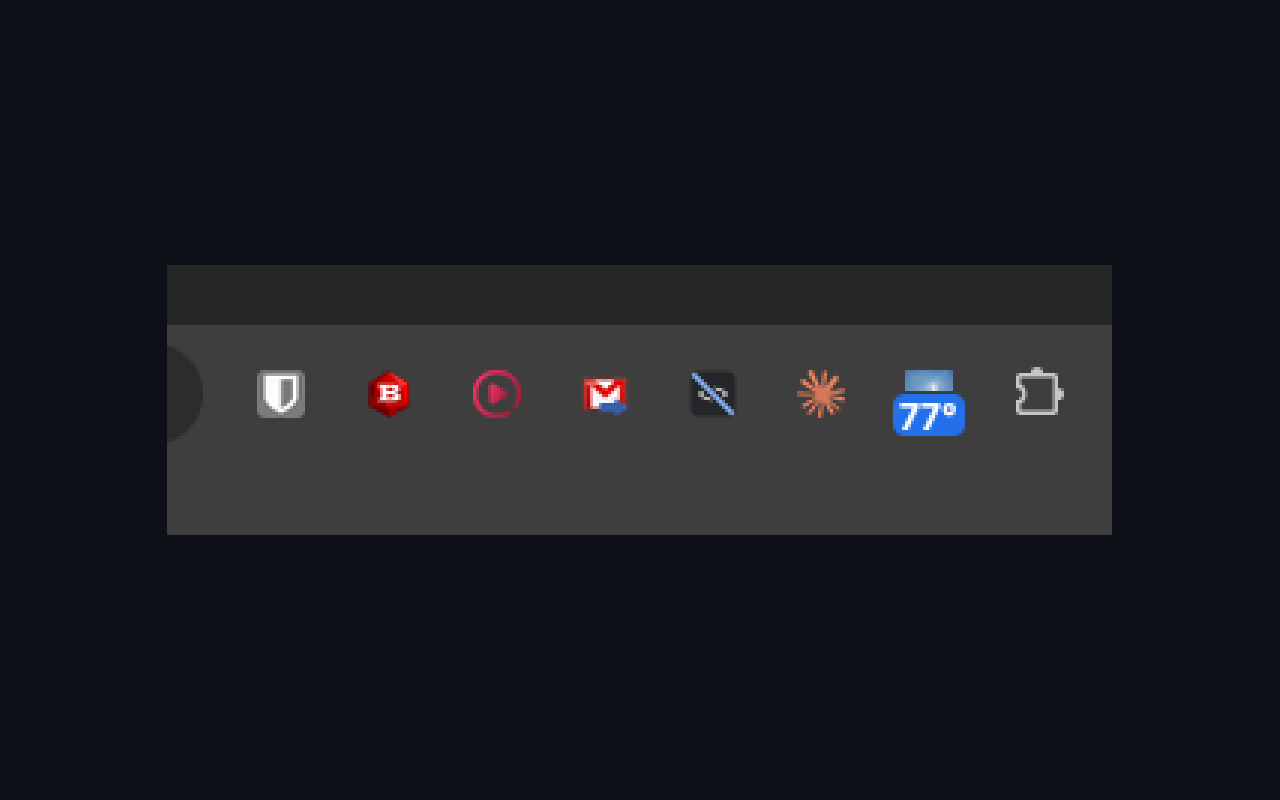
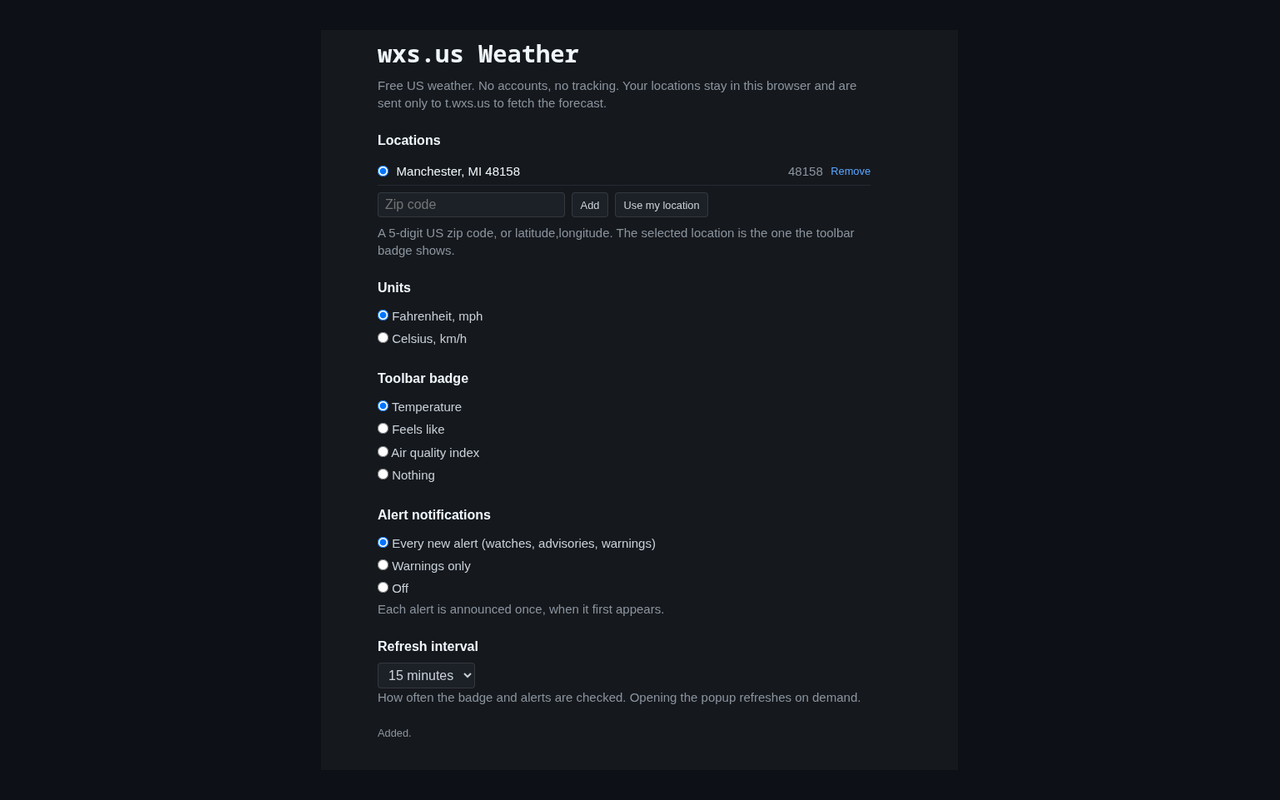
Your temperature on the browser toolbar, a popup with the forecast, alerts, and air quality for your saved places, and a notification when a warning is issued for one of them. The radar button opens the radar map here on wxs.us.
No ads, no accounts, no tracking. Your saved places stay in your browser and leave it only to ask for their weather. Free, like the rest of wxs.us.
Chrome

Version 1.0.0, installs and updates through the store. Also works in Edge, Brave, and other Chromium browsers.
Edge
Get it on Microsoft Edge Add-onsVersion 1.0.0, installs and updates through Microsoft Edge Add-ons.
Screenshots
wxs in your Discord server
Add the wxs.us weather app to a server and anyone in it can type /wxs forecast 48201 for current conditions, alerts, the outlook, and the 7-day forecast, /wxs alerts for active watches and warnings, or /wxs outlook for the SPC severe weather outlook, with a day number for the full discussion. Any 5-digit zip code or lat,lon works, the same as the terminal.
The app only hears its own slash commands. It asks for no permissions in your server, adds no bot user, and never reads chat. No accounts, no ads, no tracking.
Add to Discord
Add wxs.us weather to a serverNeeds Manage Server on the server you add it to. Free, like the rest of wxs.us.
wxs on Alexa
Ask an Echo for the current conditions, the forecast, active alerts, or the severe weather outlook and hear it read back in plain speech. The invocation name is weather station, because that is what wxs stands for: weather station united states. Same data, same sources, no account with us.
Things to say: "Alexa, ask weather station for the forecast", "Alexa, ask weather station are there any alerts", "Alexa, ask weather station for the severe weather outlook", or "Alexa, ask weather station what's the forecast for Sunday". The skill uses your device's postal code, with your permission, or a zip code you say: "Alexa, ask weather station to set my location to", followed by the five digits. It reads the zip back with the city before saving it, and "use my device's address" forgets it again.
Alexa Skills Store
Enable it in the Alexa Skills StoreWorks on any Echo and in the Alexa app. Enable it from the store page, or say "Alexa, enable weather station".
wxs for AI assistants
A skill file that teaches Claude Code and other AI assistants how to ask wxs for weather using the same commands you can run yourself in a terminal. The assistant answers from real National Weather Service data and asks you for a location rather than guessing one.
Skill file
Get it on GitHubFor Claude Code, Codex CLI, Cursor, Gemini CLI, and any other assistant that reads SKILL.md. Free and MIT licensed.
Install
In Claude Code, as a plugin:
> /plugin marketplace add thesimpledev/wxs-weather-skill
> /plugin install wxs-weather@wxs-weather
In any assistant that reads SKILL.md, with the skills command, which installs into several assistants at once:
$ npx skills add thesimpledev/wxs-weather-skill
Or copy the skills/wxs-weather folder from the repository into the assistant's skills folder. For Claude Code that is ~/.claude/skills/.